01 · SEARCH
Browse Jeju Listings
Explore property information in Jeju and review locations and conditions. Prices and actual availability must be verified.
Browse property information in Jeju and use connected extended search when ordinary listings are not enough. You can also submit requests to find, sell, or ask about property, with follow-up from a licensed local real estate agent.
The app itself is currently available in Korean. This English website is an introduction for international visitors.
Jeju Property Alert brings listing exploration and real estate requests into a simple experience.
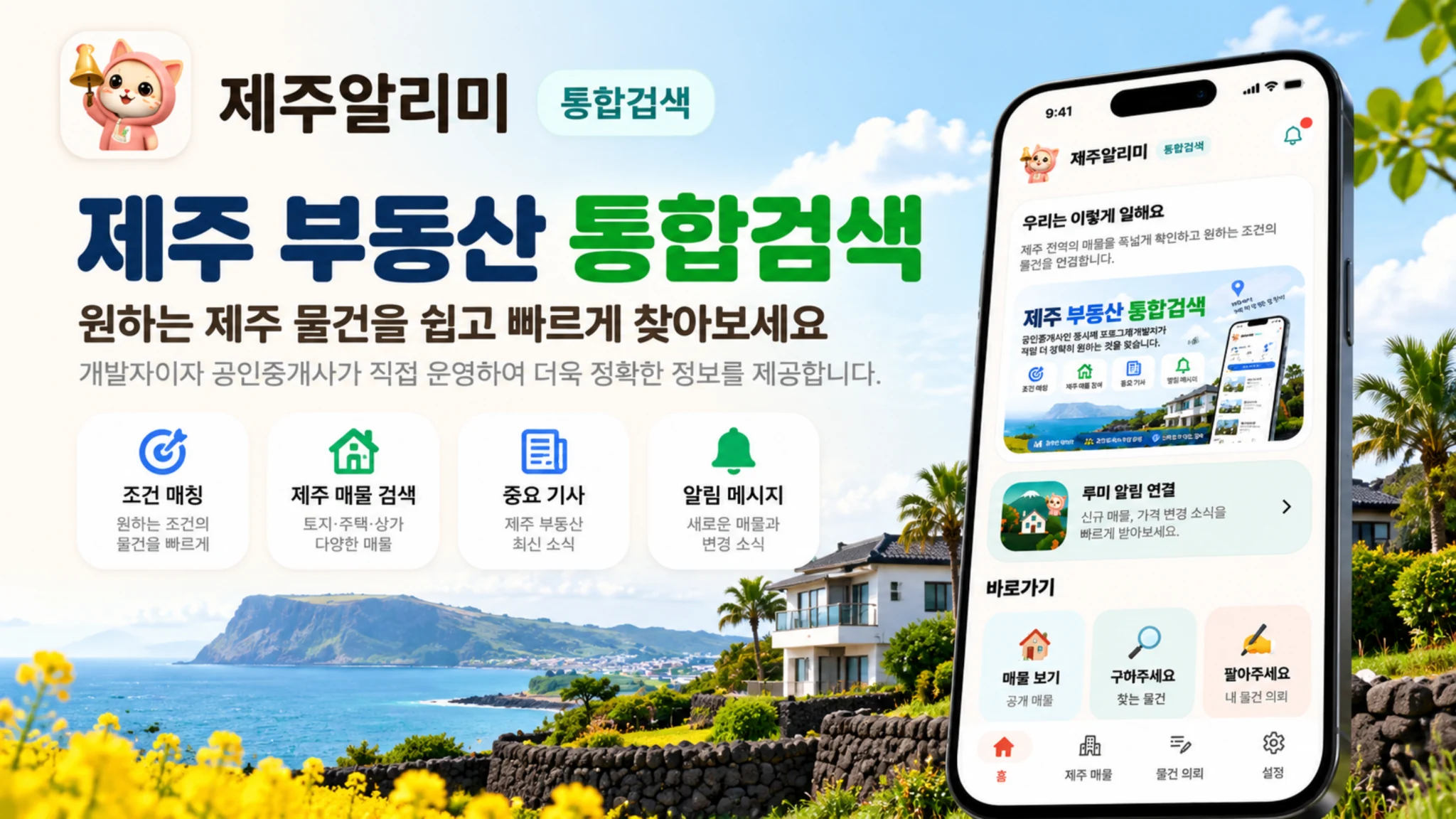
This overview image helps explain the main screens and shortcuts inside the app, including integrated search, listings, notices, and request tools. The app interface shown in the image is in Korean.
Explore property information in Jeju and review locations and conditions. Prices and actual availability must be verified.
Share your preferred area, property type, budget and needs. A licensed agent can review the request and follow up.
Submit basic details if you would like a consultation about selling or renting out property.
Ask about property details or areas. Contact information is entered voluntarily when you request a consultation.
Jeju Property Alert connects to a separate information server that supports integrated searches used by a local real estate professional. This can help explore relevant information beyond the initial listing view.
Coverage, freshness, and available results vary by source. Server connectivity does not guarantee a complete inventory or a successful transaction.
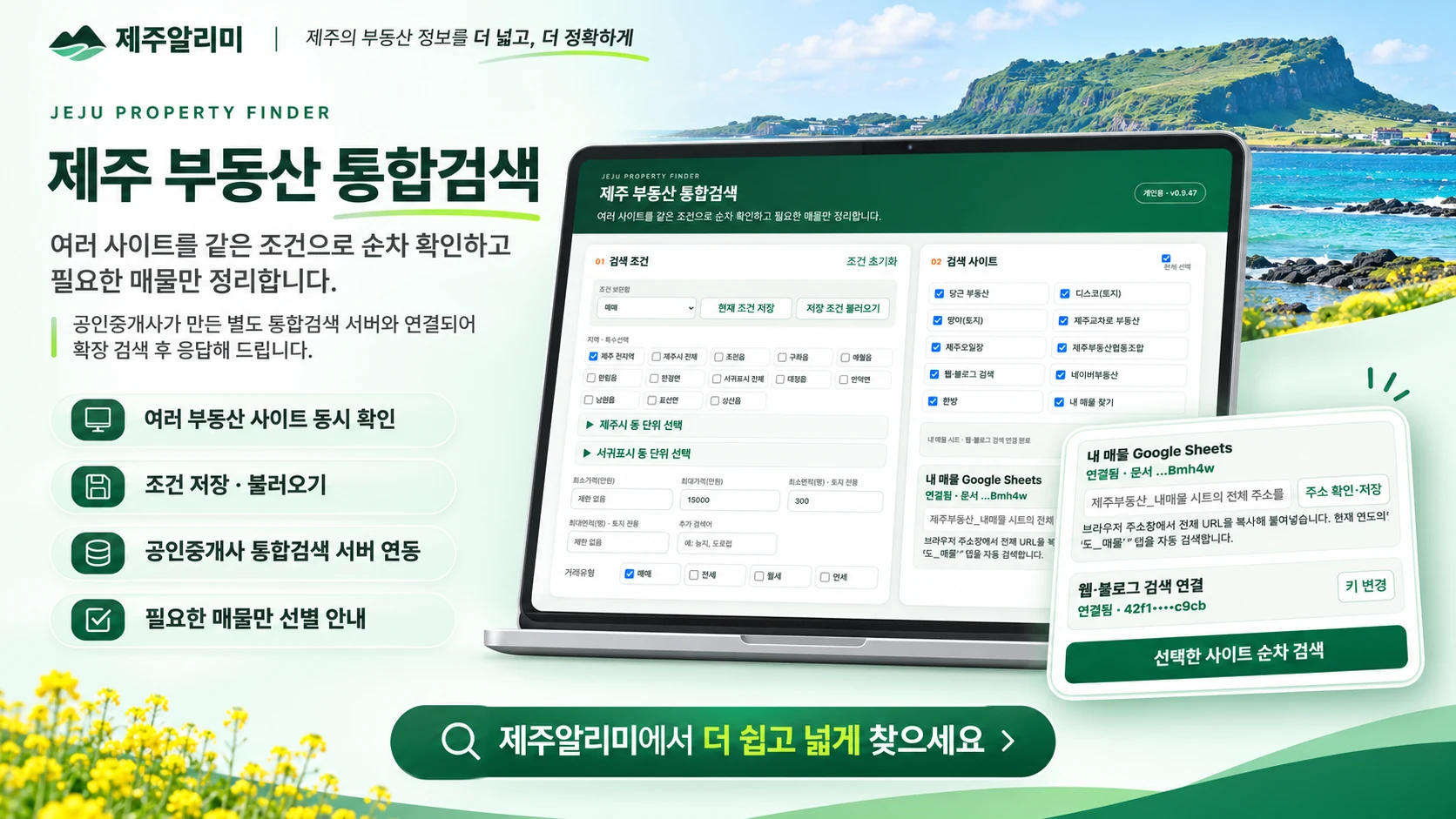
Get started without signing in. You only provide contact details when submitting an inquiry or consultation request.
Browse Jeju property information and define what you need.
Use extended search or submit a Find, Sell or Inquiry request.
A licensed local agent may review available details and respond.
App notices and updates can help you stay informed. Delivery depends on device settings and network conditions.
Play the existing introduction directly on this page. The video is in Korean.
Existing YouTube video · Korean audioOpen on YouTube ↗Explore listings and submit your requirements through Jeju Property Alert.